
Launching your Compt Swag Store (Company Administrators)
Compt now offers a customizable Swag Store, powered by Snappy, included at no extra cost! 🎉
What’s Included
- Bestsellers Shop: Pre-stocked with company-branded swag.
- Your Logo: Pulled automatically from the web (swap anytime with a high-res PNG or SVG).
- Simple Checkout: Employees buy with a credit card and ship directly to their door.
- Flexible Customization: Remove items you don’t want or request new ones.
Optional Swag Stipend
Make it easy for employees to get company swag:
- Create a dedicated stipend just for swag, or
- Add the “Company Swag” category to an existing stipend.
Employees can submit swag purchases for reimbursement while keeping tracking and reporting simple.
How to Launch Your Swag Store
- Contact Your CSM (or email support@compt.io) to create your store.
- Review Logo & Items to make sure everything looks right.
-
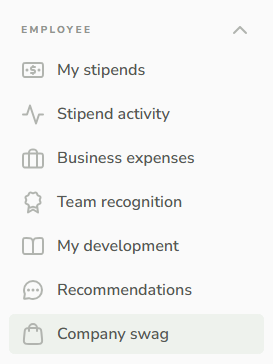
Announce to Employees — they can access it via the Company Swag tab in Compt or through your store link.
Want to See What it Looks Like?
Take a peek at a sample Compt swag store here! When you set up your own store, your employees will see your company name and logo instead of the Compt branding.

Need Help?
- Stipend setup or store updates: Contact your CSM or support@compt.io
- Order or shipping questions: Click the help icon in the store or email info@snappy.com